








制作
历史
AI 平面图生成器
更改工具
模型
基础版
切换
房间
卧室
-
2
+
浴室
-
1
+
厨房
开放式
封闭式
总面积
单位 公制
公制 英制
英制
公制 英制面积
< 50㎡
50-80㎡
80-100㎡
100-120㎡
120-150㎡
> 150㎡
附加设施
步入式衣帽间
洗衣房
储藏室
杂物间
家庭办公室
车库
食品储藏室
客餐厅一体
阳台

Design Your Dream Apartment Layout with Our AI Apartment Layout Maker
Unlock the power of artificial intelligence to effortlessly create custom floor plans. Ideal House's AI Floor Plan Generator is your ultimate apartment layout maker, transforming your vision into stunning 2D floor plans in seconds. Perfect for homeowners, real estate professionals, and designers, our tool simplifies spatial planning and brings your ideal living space to life. Generate, customize, and share professional residential floor plans with unparalleled ease.
Generate My Floor Plan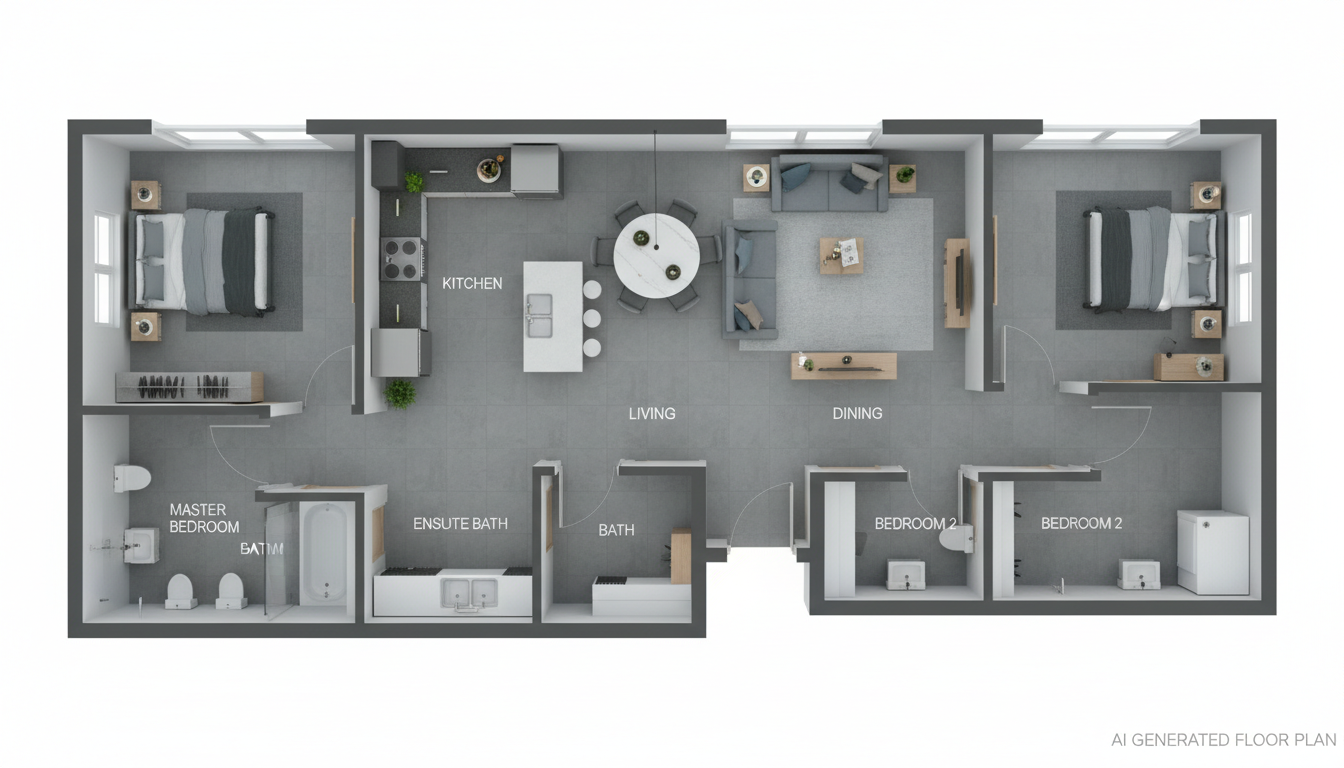


Why Ideal House is Your Go-To Apartment Layout Maker

Instant Apartment Layouts, Infinite Possibilities
Say goodbye to manual drafting. Our AI apartment layout maker generates precise 2D floor plans in mere seconds. Input your desired number of bedrooms and bathrooms, kitchen style, and gross area, and watch as our intelligent system crafts diverse dwelling unit layouts. This speed revolutionizes early-stage design and helps you iterate rapidly, creating custom floor plans that perfectly match your needs.
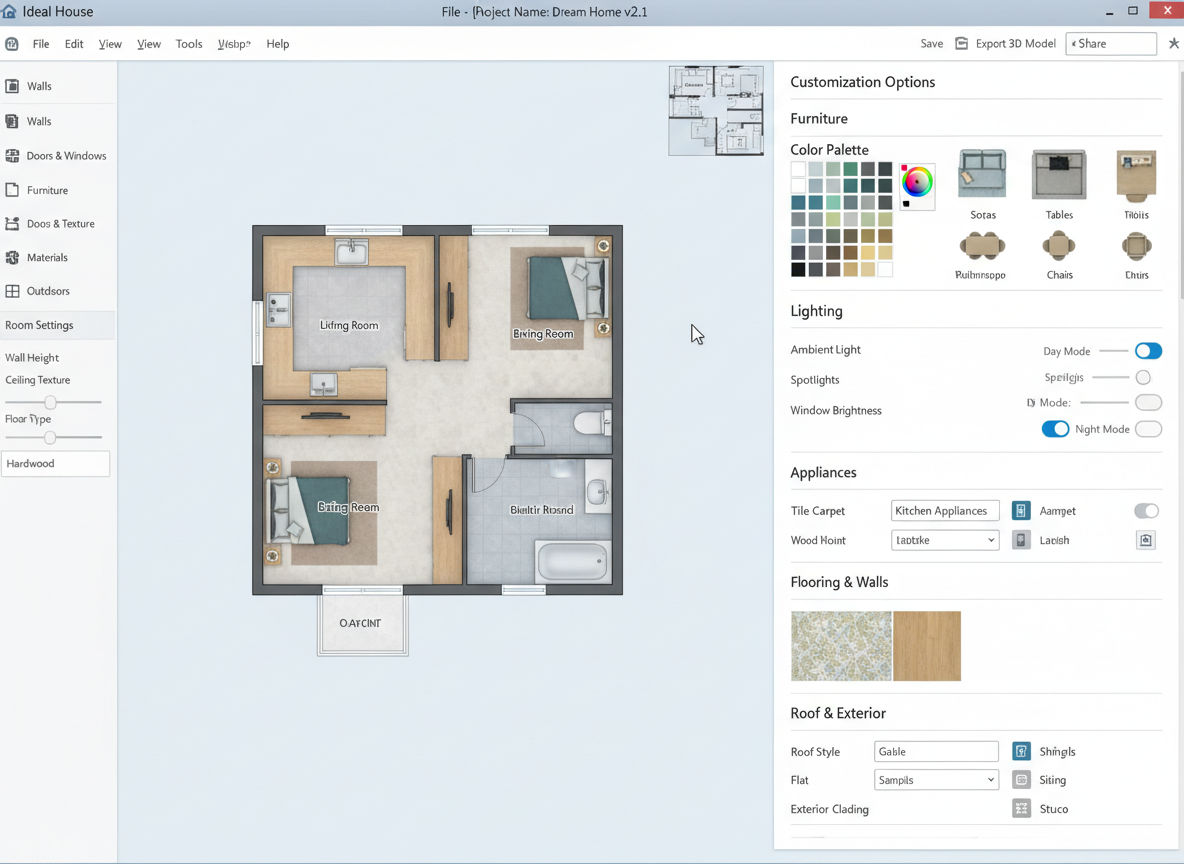
Tailor-Made Designs with Parameter-Driven Planning
No more one-size-fits-all. Ideal House offers a robust apartment design tool allowing you to specify every detail. Choose from open concept kitchen layouts, add a walk-in closet, home office, or balcony. Our AI understands your preferences, delivering a house layout planner experience that’s intuitive and highly customizable. This ensures your residential floor plans reflect your exact vision for living space planning.
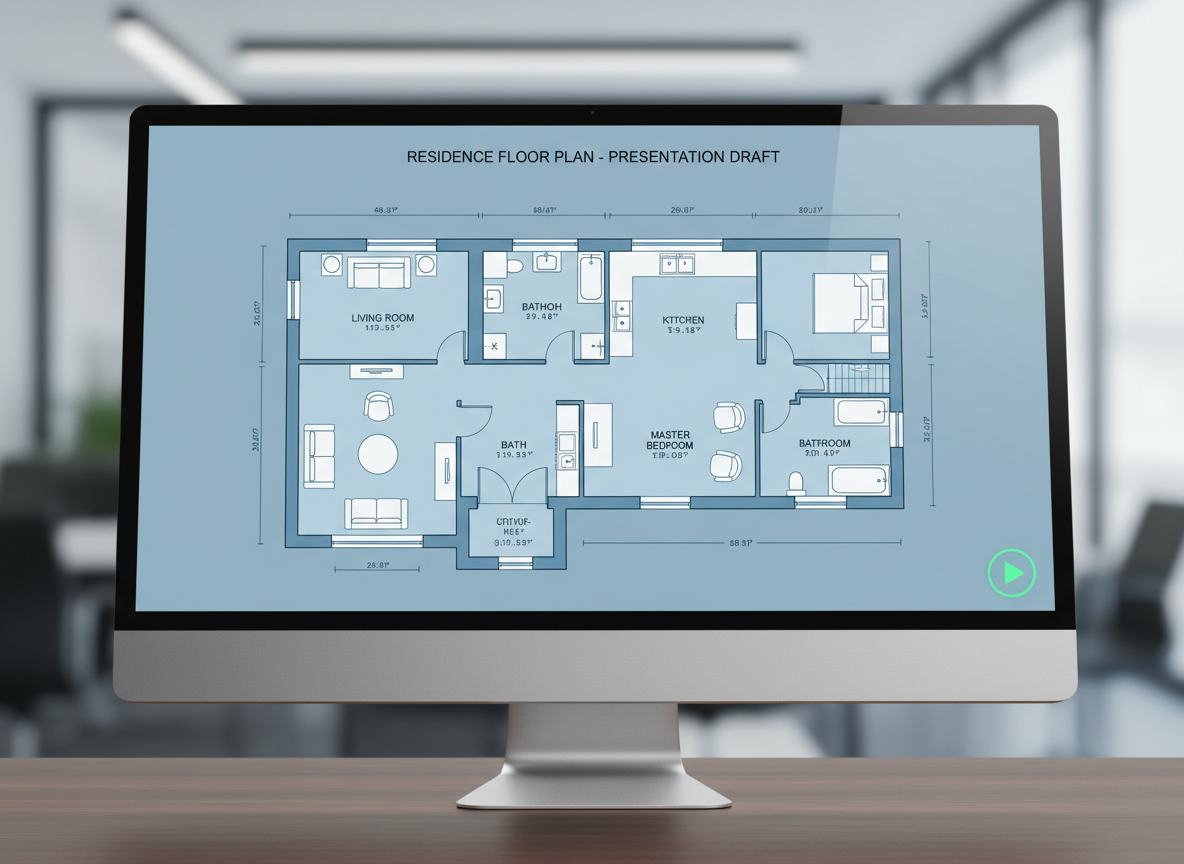
Visual Realism for Better Decision-Making
Beyond just lines, our apartment layout maker provides clear, presentation-ready visuals. These high-quality 2D floor plans are perfect for sharing with clients, landlords, or contractors, giving everyone a precise understanding of the spatial arrangement. Enhance communication and streamline your home renovation planner process with architectural drawing tool quality. Visualize every detail of your future home plan.
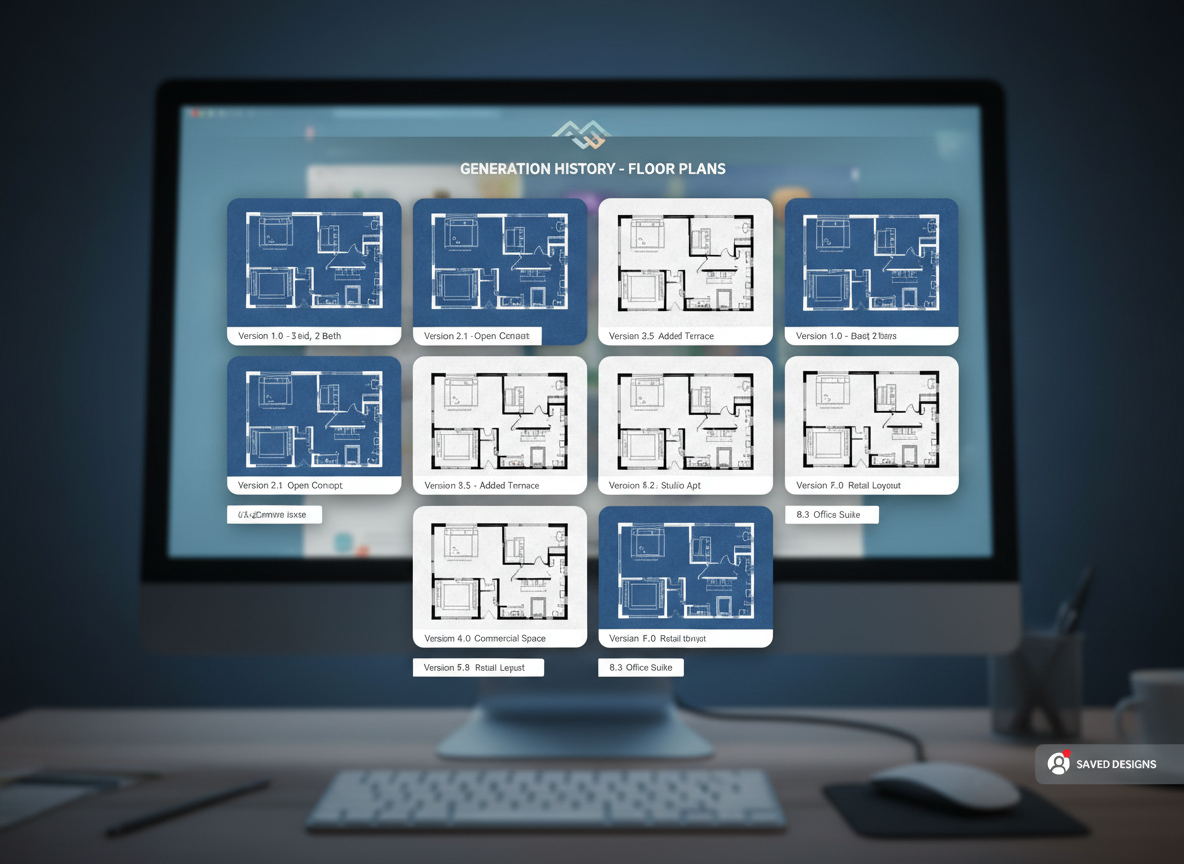
Streamline Your Workflow and Save Time
Whether you're a real estate agent creating compelling listings or an interior layout designer conceptualizing for clients, our floor plan generator saves invaluable time. Store all your generated designs in a comprehensive history, allowing for easy comparison and iteration. This digital blueprint maker accelerates your projects, making it an essential property layout tool for efficiency.

Who Benefits from Our AI Apartment Layout Maker?

Homeowners & DIY Enthusiasts: Easily plan your dream apartment layout or test renovation ideas.

Real Estate Professionals & Developers: Generate professional 2D floor plans for listings and client presentations quickly.

Interior Designers & Architects: Rapidly conceptualize and iterate on dwelling unit layouts and room arrangement with precision.

How to Use Ideal House: Your Apartment Layout Maker in 6 Simple Steps
1
Set Rooms: Specify your desired number of bedrooms (0-4) and bathrooms (1-3) to begin defining your apartment layout.
2
Choose Kitchen Style: Select 'open' for a modern, connected living space or 'closed' for a more traditional, separate kitchen area. This influences your overall floor plan.
3
Pick Gross Area: Guide the AI by selecting the approximate size range for your residential floor plans, ensuring proportionate room arrangement.
4
Add Extras: Customize your dwelling unit layout by including features like a walk-in closet, home office, laundry room, or balcony.
5
Generate & Review: Click 'Generate' to instantly create your 2D floor plan. Review the results, tweak parameters, and regenerate to explore new possibilities with this intuitive apartment layout maker.
6
Download & Share: Export your chosen floor plan as an image or PDF to seamlessly share with collaborators or integrate into your project documentation.
Frequently Asked Questions About Our AI Apartment Layout Maker
How does the AI apartment layout maker translate my choices into a floor plan?
Our advanced AI floor plan generator interprets your selections—beds, baths, kitchen type, gross area, and desired extras—to intelligently apply common architectural principles and adjacency rules. It then drafts a clear 2D floor plan, offering fresh design concepts with every click.
What are the customization ranges for the floor plan generator?
You can specify 0-4 bedrooms (default 2), 1-3 bathrooms (default 1), choose between open or closed kitchen (default open), and select from various gross area bands. Additionally, you can multi-select several popular extras to refine your custom floor plans.
What impact does 'Gross Area' have on the apartment layout?
The 'Gross Area' band is crucial for guiding the overall scale and proportions of your residential floor plans. Selecting the most accurate band ensures that rooms and circulation spaces feel appropriately sized for the footprint, leading to more realistic dwelling unit layouts.
How do 'Open' vs. 'Closed' kitchen options affect the apartment layout?
An open concept kitchen prioritizes a continuous sightline and flow, often blending seamlessly with living and dining areas. A closed kitchen, conversely, creates a distinct, separated cooking zone, influencing the room arrangement and overall spatial planning within your apartment layout.
Can I compare different apartment layout versions generated by the tool?
Absolutely! Every floor plan you generate is automatically saved in your 'Generation History.' You can easily use the 'Created with AI Floorplan' filter and switch between grid and list views to compare multiple apartment layouts side-by-side, helping you choose the perfect design.
Enhance Your Designs with Related Ideal House Tools
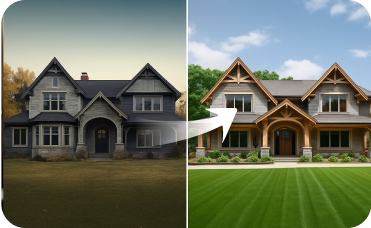
Exterior Renovator
Create a cohesive look by designing a home exterior that complements your new interior.

Magic Editor
Use a simple text prompt to add, remove, or change any detail in your design.
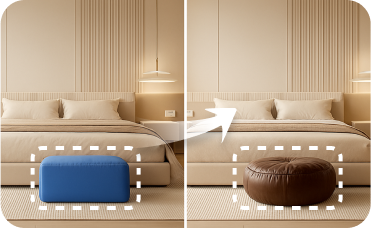
Smart Replacer
Instantly swap specific objects in your photo, like changing window styles or updating front doors.
Ready to Design Your Ideal Apartment Layout?
Transform your ideas into stunning 2D floor plans in minutes with Ideal House, the ultimate apartment layout maker. Experience efficient home plan creation and elevate your design process today.
Generate My Floor Plan
💰 作为Ideal House合作伙伴赚取10%佣金。
加入我们